Work is spread across too many tools
Important updates get buried in chats, sheets, emails and personal follow-ups.
Business automation services
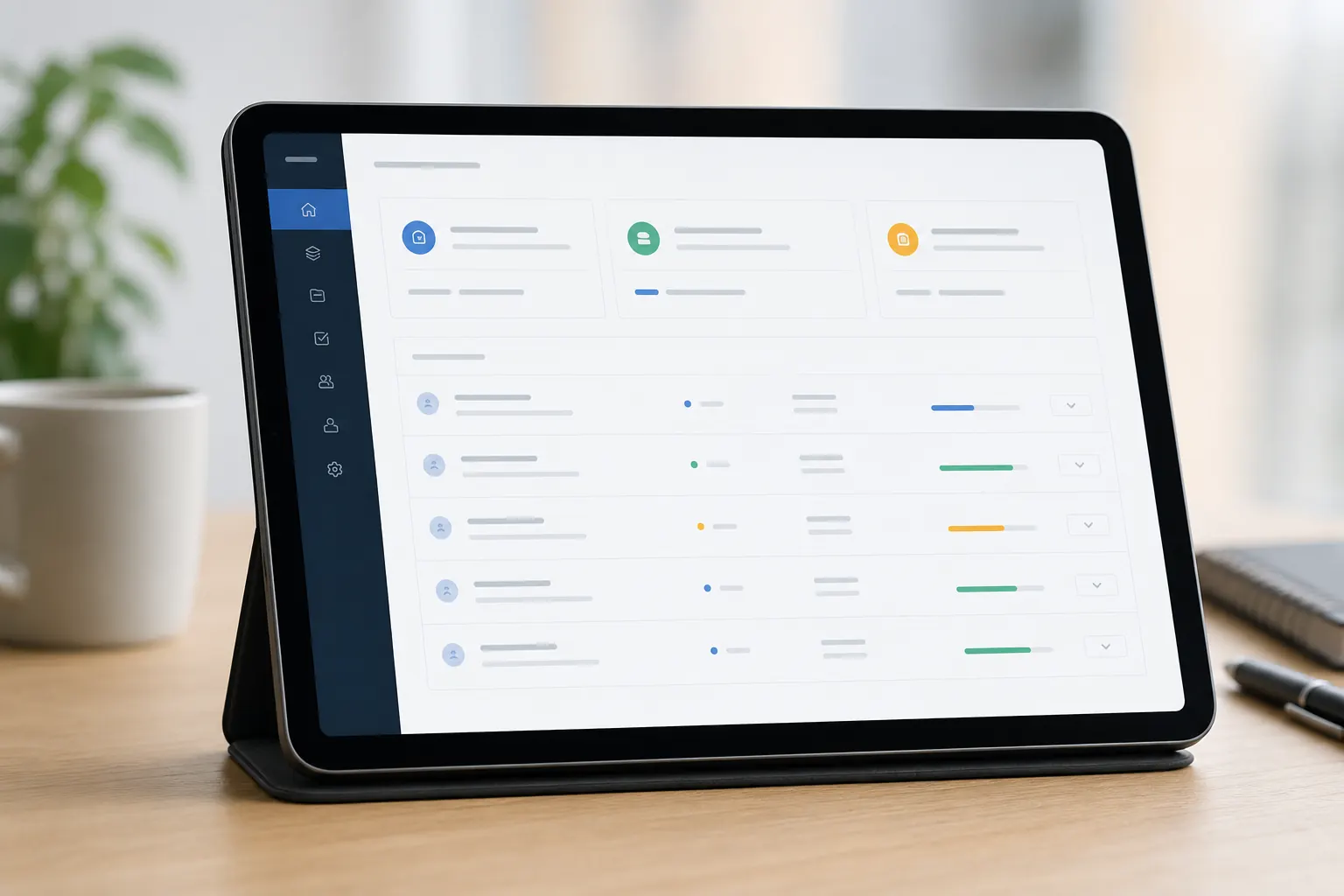
We build workflow automation, internal applications, portals, dashboards and integrations for teams that are tired of chasing updates across spreadsheets, messages and disconnected tools.
Requests
Approvals
Dashboards
Integrations
The real problem
These category pages are designed around the questions business users actually ask before they invest: what is broken, what can be improved, what will we get and how will the work happen?
Important updates get buried in chats, sheets, emails and personal follow-ups.
Without clear status and ownership, small delays quietly become operational problems.
Teams spend time collecting data instead of using it to make decisions.
Service options
Each service goes deeper into a specific business need, but the category page helps users decide where to start.
Automated request, approval, task and handover flows for repeated business processes.
Learn moreInternal Business Application DevelopmentCustom internal tools for operations, teams, records, approvals and coordination.
Learn moreBusiness Portals & Dashboard DevelopmentClient, vendor, team or management portals with useful dashboards and access control.
Learn moreCRM, ERP & Systems IntegrationConnect business systems so information moves without repeated manual entry.
Learn moreWhen this helps
We create a tracked flow where requests, decisions and responsibility are visible.
We build secure spaces for updates, documents, requests and reporting.
We turn repeated tracking into a system with structure, permissions and dashboards.
Business outcomes
People know what to do, who owns it and what changed.
Data is captured once and reused across workflows.
Leaders get visibility without asking for constant updates.
How we work
We document the current process, delays, owners, exceptions and reporting needs.
We define screens, roles, notifications, data and integrations.
We launch the most valuable workflow first, then expand with feedback.
We keep the tool simple enough for real teams to use confidently.
Why Escale
Category pages should support SEO, but they should also help a non-technical visitor understand whether they are in the right place. We write and structure pages for both.
We do not automate confusion. We first simplify the way work should move.
Roles, permissions and records are planned from the beginning.
We consider how your CRM, ERP, website and reporting tools need to connect.
Questions
Often, yes. We first review your current systems and then decide whether integration, a custom layer or a new workflow tool makes the most sense.
Not always. Many teams need a focused system for a specific workflow before they need a large enterprise platform.
We keep the interface practical, involve real users early and build around the way people already understand the work.
Show us the process. We will help you decide what should be automated, simplified or connected.
Discuss Automation