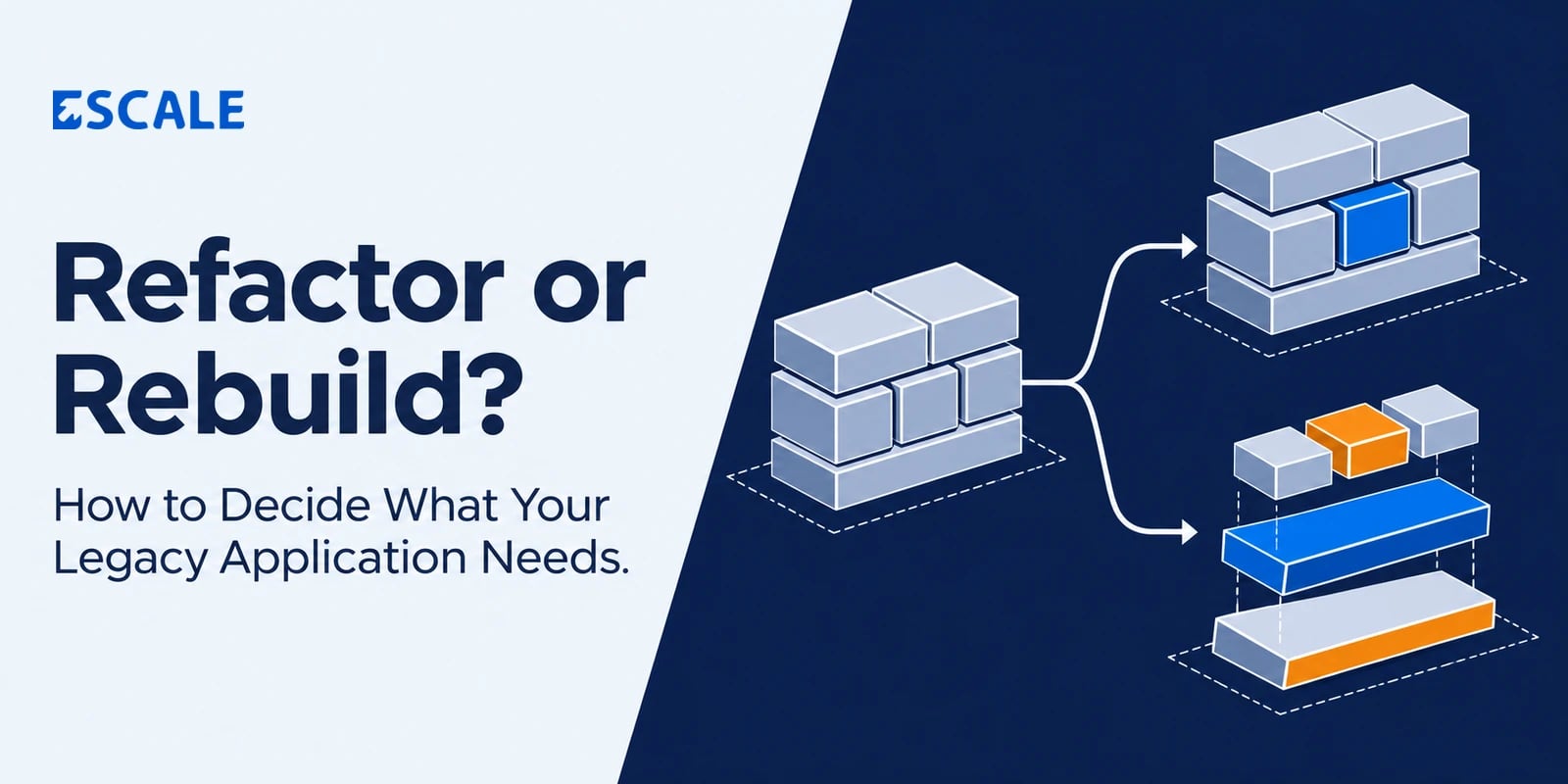
Refactor or Rebuild? How to Decide What Your Legacy Application Needs
Refactor a legacy application when it still supports the way your business works and you can isolate the parts that make it hard to change. Rebuild when the core workflows, data model, or architecture can no longer support what the business needs. If some parts still work well and others need replacing, modernize the application in phases.
The distinction matters because the same symptom can point to different problems. Take an order management system that slows down every afternoon. A reporting job competing with order entry for database resources may call for a targeted fix. If every new sales channel requires changes to inventory, pricing, billing, and fulfilment because all four share the same assumptions about an order, the problem runs deeper.
Before comparing the cost of a refactor and a rebuild, identify which business capability is under strain and what the current system would need to change to support it.
What is the difference between refactoring and rebuilding?
Refactoring changes the internal structure of existing code while preserving its observable behaviour. A team might separate pricing rules from the order screen, add automated tests around discounts, and remove duplicate logic. Customers still see the same prices and complete the same checkout flow. The team can change and verify pricing rules more safely.
Rebuilding means implementing an application or a business capability again. You can preserve existing workflows where they still fit and redesign the ones that need to change. A rebuild also involves moving users, data, and integrations to the replacement.
Phased modernization combines the two. A team might keep order entry and invoicing in the existing application while replacing reporting first. The next phase can address inventory once the team has mapped stock movements, tested reconciliation, and agreed which system will own the records.
When should you refactor a legacy application?
Refactoring makes sense when the application still serves the business and the team can identify a specific source of maintenance cost or delivery risk.
Look for these signs.
The core workflows still fit. Users can complete their work, and the main complaint is how long it takes to deliver changes or fix defects.
The problems cluster in specific areas. Most regressions come from a handful of modules, shared rules, or integrations.
You can verify existing behaviour. The team can use production examples, test data, and business-owner input to capture how important workflows behave.
You can deploy improvements in small releases. The team can change one area and verify the result without coordinating a system-wide cutover.
Consider a B2B ordering portal that calculates dealer discounts in three places. Orders usually work, but each change to a discount policy risks producing different prices on the quote, checkout, and invoice screens. A practical refactor would document the existing pricing rules, capture representative orders as tests, and move the calculation into one shared component. The first release can be verified against the same orders before the team introduces new pricing features.
When should you rebuild a legacy application?
A rebuild becomes worth assessing when the current design keeps forcing workarounds for requirements the business considers essential.
Look for these signs.
The data model conflicts with the business. For example, the system assumes each customer belongs to one branch, while the business now needs a shared account across branches with separate billing and permissions.
The core workflow has changed. A tool built for back-office processing now has to support customers and partners working independently through the same process.
Changes routinely cross module boundaries. A new approval rule requires coordinated updates to the interface, integrations, reports, and batch jobs because the same rule is implemented separately in each.
A critical technical constraint blocks the roadmap. An essential component or platform dependency cannot be upgraded or replaced in place at a reasonable cost.
Define what the replacement must do before estimating it. Ask users which features they rely on, which workarounds they use, and which processes they would retire. A rewrite can reproduce years of accidental complexity if the team treats every existing screen as a requirement.
How to decide between refactoring and rebuilding
1. Start with the business change the application must support
Describe the next requirement in operational terms. For example, “A customer can place orders across three branches and receive one consolidated statement” gives the team something concrete to assess. “We need a modern system” leaves the scope open.
List the users, records, rules, and integrations involved. Then ask the team to trace the requirement through the existing application. A contained change supports a refactor. A requirement that cuts across identity, permissions, transactions, and reporting deserves a broader replacement assessment.
2. Separate technical debt from a bad fit with the business
Technical debt makes a system harder to change. A bad fit with the business means the system represents work in a way that no longer makes sense.
A pricing module with duplicated code has technical debt. A platform that assumes every order has one seller, when the business now needs split settlement across multiple sellers, has a deeper design constraint. The first problem may be resolved by restructuring code. The second can change how orders, invoices, refunds, and reporting work together.
3. Identify what the migration must preserve
List the history, permissions, reports, integrations, and customer commitments that must survive the change. Then determine which system owns each record during the transition.
For an invoicing application, for example, verify that migrated invoices still reconcile to payments and credit notes. Decide how users will access historical records, how new transactions will enter the replacement, and what happens to writes if you have to roll back after launch. These requirements can materially change a rebuild estimate.
4. Compare the full cost of both options
For a refactor, estimate the effort to understand the code, capture existing behaviour in tests, improve the highest-risk areas, and maintain parts of the application you expect to retain. Include the effect on planned feature delivery.
For a rebuild, estimate discovery, design, development, data cleanup, migration, integration testing, user training, and cutover support. If both systems will run in parallel, include the cost of keeping records in sync and resolving discrepancies.
Use the same business outcome and planning period for both estimates. A small refactor and a full rebuild solve different amounts of work, so comparing their upfront quotes alone can distort the decision.
5. Test the riskiest assumption before committing
If you believe one module can be separated safely, trace its dependencies and test the boundary. If you believe historical data can be migrated, try a representative export and verify that totals, relationships, and record histories match.
The result gives you evidence for the next investment. You may find that reporting can move independently while order processing needs deeper changes, or that a critical integration is easier to retain than to recreate.
What phased modernization looks like in practice
Imagine a distributor whose legacy application handles orders, stock movements, and invoicing. Order entry works reliably, but stock discrepancies are hard to investigate, and management reports come from spreadsheets.
A phased approach could start by moving reporting to a separate read-only view fed by the existing application. The team can reconcile reports against the source records while operational staff continue using the existing order and invoicing workflows. Once reporting is stable, the team can map stock movements and pilot a replacement inventory module at one branch.
Before expanding the pilot, define which system can write stock movements, how balances will be reconciled, and how the branch would recover if the rollout fails. The new reporting view delivers value early, while the inventory pilot tests a higher-risk change on a manageable scale.
What to review before requesting a modernization estimate
Give your internal team or software partner enough information to assess both the application and the business processes it supports.
Business priorities. List the changes you need to make and the workflows causing the most friction today.
Application inventory. Identify modules, repositories, environments, databases, and external integrations.
Operational evidence. Share examples of recurring incidents, slow workflows, workarounds, and changes that took longer than expected.
Data and reporting. Identify authoritative records, historical data requirements, and reports that must reconcile after migration.
Rollout constraints. Document busy periods, acceptable downtime, pilot users, and who can approve a cutover.
Success measures. Choose outcomes you can check after the work, such as fewer pricing regressions, shorter release cycles, or less manual stock reconciliation.
Ask for a recommendation at the module or workflow level. “Keep order entry, refactor pricing, and replace inventory in phases” is specific enough to discuss scope, sequencing, and risk.
Frequently asked questions
Is refactoring cheaper than rebuilding a legacy application?
A targeted refactor usually takes less upfront effort when the problem is localized. If each new requirement forces changes across the application, compare the cumulative cost of those changes with the cost of replacing and migrating the affected capability.
Does an old technology stack mean we should rebuild?
Age alone is a weak signal. Assess whether you can maintain and upgrade the stack, deploy changes safely, and support the business roadmap. A well-understood application with a viable upgrade path may need targeted modernization.
Can we modernize a legacy application while it is still in use?
Yes, when you can separate capabilities and control how data moves between the existing and new systems. Start with a workflow that has clear boundaries, define which system owns the records, and validate the rollout with a pilot group before expanding.
How do we know whether to start with an audit or a build?
Start with an assessment if the team cannot explain where the problem originates, what depends on the affected module, or how data would move to a replacement. If the issue is already well understood and the intended change is easy to verify, you can scope a focused implementation.
Assess your legacy application with Escale
Bring one workflow that is slowing your team down, one change the application struggles to support, and a list of the systems it connects to. Escale can help you assess what to keep, what to refactor, and what to replace, then scope a first phase your team can validate in practice.
Discuss legacy application modernization with Escale