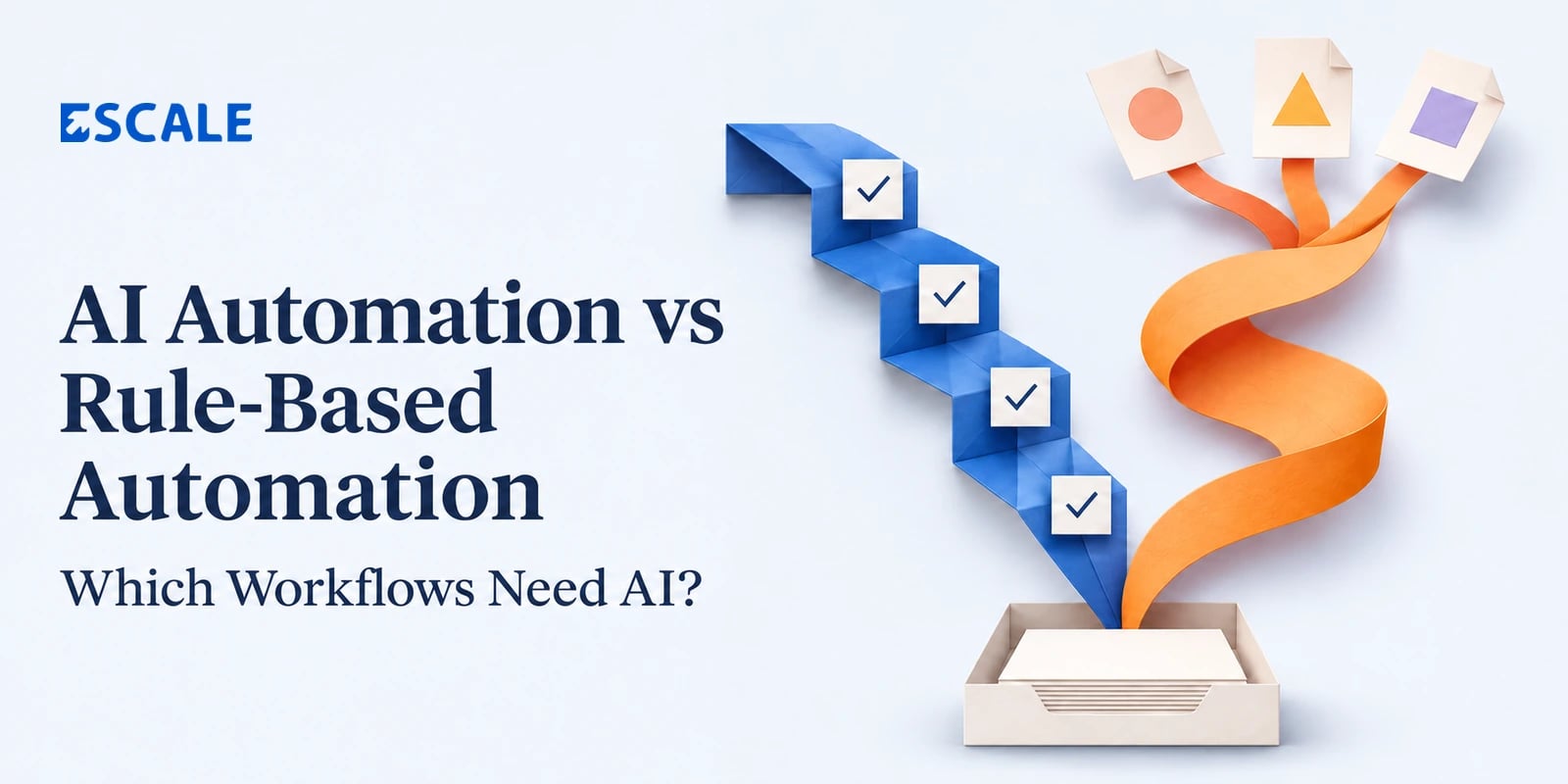
AI Automation vs Rule-Based Automation: Which Workflows Need AI?
Use rule-based automation when you can define the conditions and the correct action in advance. Use AI when the workflow needs to interpret information that varies, such as a customer email, a supplier invoice, or a scanned document. When a process needs both, let AI interpret the input and use rules to control what happens next.
Consider a purchase approval. Routing a request above ₹50,000 to the finance head is a straightforward rule. Reading a supplier’s email and identifying which products they quoted may require AI, especially when suppliers use different layouts and terminology. Approving the purchase still depends on your spending policy and who has the authority to approve it.
The decision becomes easier when you look at each step of the workflow separately. A single process can contain predictable checks, ambiguous inputs, and decisions that need a person’s approval.
What is rule-based automation?
Rule-based automation follows explicit instructions. If the data meets a defined condition, the system takes a specified action. Given the same input and rules, it makes the same decision.
Common examples include:
Assigning a sales lead to a territory based on its postal code.
Sending a reminder when an invoice reaches its due date and remains unpaid.
Routing a purchase request according to its amount, department, and approval limits.
Updating an order’s status after the warehouse confirms dispatch.
Flagging an invoice when its purchase order reference is missing.
Rules can handle complex processes. A purchasing workflow may include different approval limits by branch, cost centre, or category. If the business can document those conditions and maintain them as policies change, rules give the team a decision it can trace and explain.
What is AI automation?
AI automation uses a model to perform tasks such as classifying a message, extracting fields from a document, or finding a relevant answer across a set of records. It is useful when the same intent or information can appear in many forms.
For example, a customer might write “I need to change where this goes,” “Can you update the delivery address?” or “This order is going to my old office.” A model can suggest the same support category for all three messages even though they use different words.
That classification can trigger the next step in the workflow. An address change still needs checks on the customer’s identity, the order’s shipping status, and whether the new address can be served. Those decisions can follow explicit rules, with exceptions routed to the support team.
AI outputs can be wrong even when they look convincing. Build the workflow around how the business will verify the output and what it will do when the result is uncertain.
How to decide which workflows need AI
1. Check whether the input is already structured
If a form captures an order ID, issue type, and preferred resolution, rules may be enough to route the request. If the same information arrives across free-text emails, PDFs, and message threads, AI may help turn it into fields the workflow can use.
Also consider whether you can improve the input at the source. For internal employee requests, adding a required dropdown might solve the problem. For documents submitted by hundreds of independent suppliers, standardizing every incoming format may be impractical.
2. Separate interpretation from policy
Break the workflow into two questions. What does this input mean? What action does the business allow?
An AI model can read a supplier invoice and propose the invoice number, due date, and total. Rules can check whether the purchase order exists, whether the total falls within the configured tolerance, and whether the invoice has already been recorded. An authorized person can then approve an exception where needed.
This separation also makes errors easier to investigate. Finance can see whether the document was read incorrectly, the validation rule was misconfigured, or a valid invoice failed a policy check.
3. Look at why exceptions occur
If exceptions come from a handful of recurring cases, add rules for them. If they arise because people describe the same issue in many different ways, AI may help.
For example, a team may find that most support tickets reach the wrong queue because its routing relies on keyword lists. A message that says “my parcel never showed up” may miss a rule built around “delivery delayed.” AI classification is worth testing when those variations are frequent enough to create measurable rework.
If tickets are going to the wrong queue because ownership changes every week and the routing configuration is outdated, fix the ownership mapping first.
4. Decide what happens when the automation is wrong
A low-risk error, such as applying the wrong internal ticket label, can usually be corrected quickly. An incorrect payment approval or an unauthorized account change has larger consequences. The cost of the mistake should influence what the automation is allowed to do.
For consequential actions, define the required evidence, who can authorize the action, and which cases go to review. A model’s confidence score can help prioritize review, but it should not replace checks against source records or the business’s approval policy.
5. Compare the full cost of operating each option
Rules need owners who can update conditions and test how a policy change affects existing workflows. AI adds work such as evaluating outputs, reviewing exceptions, monitoring quality, and paying for model usage where applicable.
Measure the whole process. If a model processes an invoice in seconds but finance still has to recheck every field, the time saved may be small. Compare manual handling time, correction rates, and the share of items that can move through the workflow without additional review.
Hybrid workflow example — supplier invoice processing
Imagine a finance team receives PDF invoices from suppliers who use different templates. Staff enter the details manually and check each invoice against a purchase order before sending it for approval.
A hybrid workflow could work like this:
Capture the source document. Store the original invoice and assign it a processing reference so the team can trace extracted values back to the file.
Extract candidate fields. Use AI to identify the supplier name, invoice number, purchase order reference, line items, and total.
Validate against business records. Use rules to match the supplier and purchase order, check for duplicate invoices, and compare the extracted amounts with the order.
Send exceptions to finance. A missing purchase order, inconsistent total, or unreadable document goes to a reviewer with the source document and the reason it was flagged.
Route the validated invoice for approval. Apply the company’s approval limits and record who approved the invoice before it moves to the next stage.
If every supplier already sends a structured invoice feed with reliable fields, the extraction step may be unnecessary. The validation, exception handling, and approval steps still matter.
Where each approach fits in day-to-day operations
Customer support
Use AI to group incoming messages by intent or summarize a long conversation before an agent takes over. Use rules to set escalation deadlines and decide when a case qualifies for a refund. If a message contains multiple issues, show them separately so a routing decision does not hide a second request.
Sales and lead management
Use rules to assign leads by region, account ownership, or product line when those fields are already available. Use AI to extract the product, urgency, and requested next step from a free-text enquiry. Keep the original message available so the salesperson can verify the interpretation before responding.
Ecommerce operations
Use rules to update fulfilment status, release reservations on cancelled orders, and match gateway settlements to transaction references. Use AI to classify free-text return reasons or summarize conversations about disputed deliveries. The actual refund amount should come from order and payment records.
Internal approvals
Use rules when approval depends on spending limits, cost centres, or the requestor’s role. AI can summarize a long justification or extract details from a supporting quote. The approver should be able to view the original evidence alongside the summary.
How to pilot an AI or rule-based workflow
Start with one workflow that has enough volume to measure and a clear owner who can judge the outcome.
Establish a baseline. Record how long cases take, where staff re-enter information, and which errors require correction.
Collect representative examples. Include routine cases, ambiguous requests, poor-quality documents, and known exceptions. Have the workflow owner confirm the expected outcomes.
Run alongside the existing process. Compare the automation’s proposed result with the team’s actual decision before allowing it to act on live records.
Measure the outcome that matters. Track manual handling time, correction rate, exception volume, and any errors with significant downstream consequences.
Expand by case type. Allow well-understood cases to proceed automatically once they meet your acceptance criteria. Keep unfamiliar or high-impact cases in the review queue.
An invoice pilot, for example, might show that extraction works well for most suppliers while credit notes still need manual handling. That gives you a concrete rollout boundary and a specific set of cases to improve next.
Frequently asked questions
Is AI automation better than rule-based automation?
It depends on the task. AI is useful when inputs need interpretation, such as varied emails or documents. Rules fit decisions with explicit conditions, such as approval limits, due dates, and routing policies.
Can AI and rule-based automation work together?
Yes. AI can extract or classify incoming information, rules can validate it against business records, and people can resolve exceptions or authorize high-impact actions. Each step has a defined role and can be evaluated separately.
How do I know if an AI workflow is worth the cost?
Compare the time and rework it removes with the ongoing cost of running the model, reviewing its outputs, and maintaining the integration. Use representative cases to measure the full workflow, including exceptions and corrections.
Which workflow should a business automate first?
Choose a recurring workflow with a clear owner, a measurable bottleneck, and manageable exceptions. Look for the specific step consuming time. A team may need rules to route requests, AI to read incoming documents, or both to complete the workflow.
Scope your workflow automation with Escale
Bring one process your team repeats every week, a few examples of the inputs it receives, and the rules or approvals staff apply today. Escale can help map the workflow, identify where AI adds value, and define a pilot with measurable acceptance criteria.